Free Power BI Training

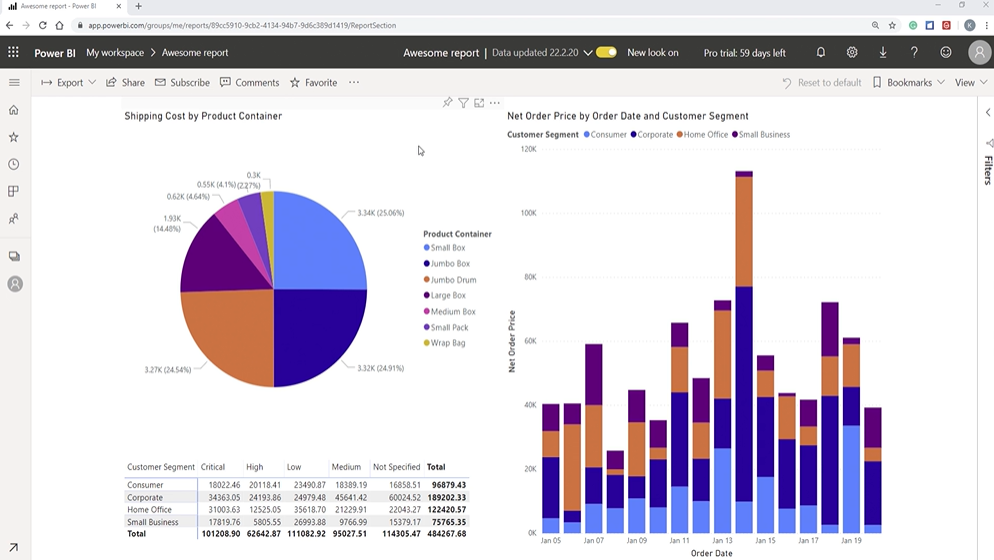
Build auto-updating, personal, and easy-to-share reports in 30 minutes.

Trusted by 100,000+ students.
Beginners + intermediates

For beginners and intermediates

3 HD-lessons

3 HD-lessons sent to your inbox

Free cheat sheet

New to Power BI? No problem!

What you learn
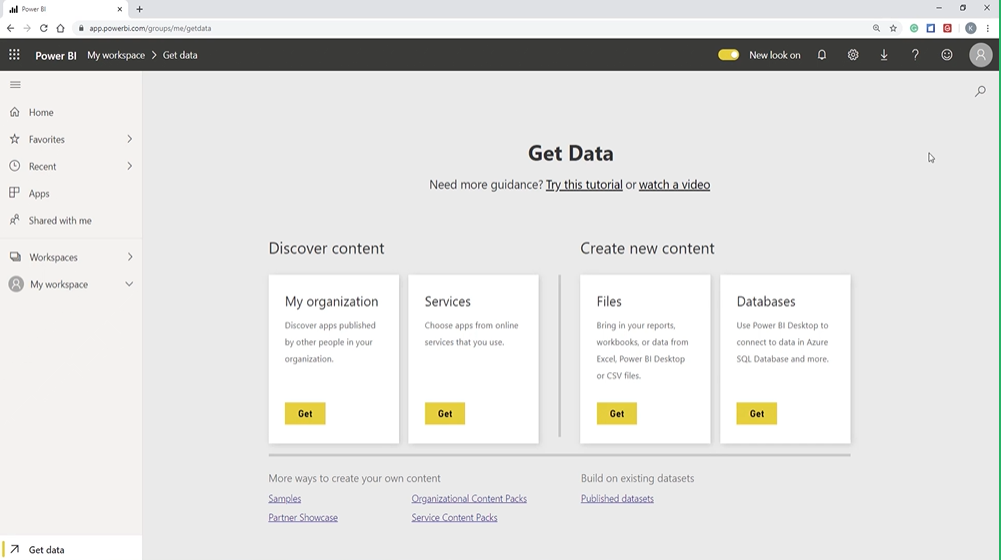
New to Power BI?

LESSON 1

Power BI will revolutionize the way you do reporting. But you need to crawl before you walk.

What is Power BI?

Get the full overview of what Power BI is and when to use it

Data

Learn to get data into Power BI so you’re ready for reporting

Bonus

How to import multiple datasets into Power BI

Not your first time?

LESSON 2

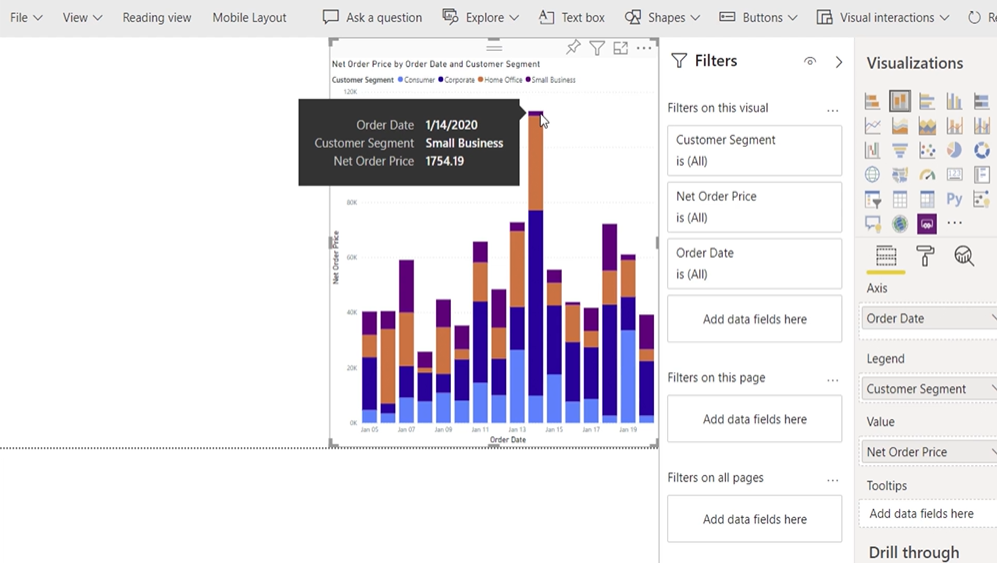
Build actionable and personal reports with Power BI using my favorite visualization method.

INSIGHT

Turn data into insight with Power BI

Your first report

Learn to build a Power BI report, step-by-step

Making it personal

Leave one-size-fits-all reporting behind and welcome personal reporting
Already familiar with Power BI?

LESSON 3

What good is any of this if you can’t share it with your colleagues?

Sharing

See why Power BI is so good at sharing

Making it easy

Make reporting smooth and safe for everyone

My top-3

Learn my top 3 Power BI features for sharing reports

Meet…

Your instructor

Spreadsheeto co-founder

KASPER LANGMANN

Certified Microsoft Office Specialist

Get advice you can trust

+100,000 students

Among the world’s most-popular instructors

Microsoft Office Specialist

Applying Power BI to real-world reporting every day

The most ambitious students and organizations have already joined

Join +100,000 students

The training opened up a world of options for me to automate repetitive daily tasks. This saves me a lot of time in my working day

Dwayne Cadwallader, Spreadsheeto student

I went from boring, flat, standard Excel sheets to insightful reports that are targeted, clear and to the point.

Power BI Testimonial from Kam CsorbaKam Csorba, Spreadsheeto student

Frequently asked questions

Got other questions? Get in touch!

Yes, this training is 100% free. Why? Because after learning Power BI in just 30 minutes I bet you’re motivated to learn even more!

If you are, I hope you want to enroll in my Power BI superuser training, “Power BI Essentials”.

The training is delivered straight to your inbox. Right after you’ve signed up, you’re going to receive the first lesson. From there, you receive the lessons 24 hours apart (or faster if you choose to).

Yes, you need to have Power BI before you watch this free training.

If you don’t have it already, click here to go to Microsoft’s website and start your free 60-day trial.

You get three 10-minute lessons, so a total of 30 minutes.

That’s Kasper Langmann. Co-founder and certified Microsoft Office Specialist. With +7 years’ experience teaching Microsoft software to +70,000 students! Read more about Kasper and Spreadsheeto here.

Power BI 101 is for beginners and intermediates.

You don’t need any prior experience with Power BI to follow this training.